
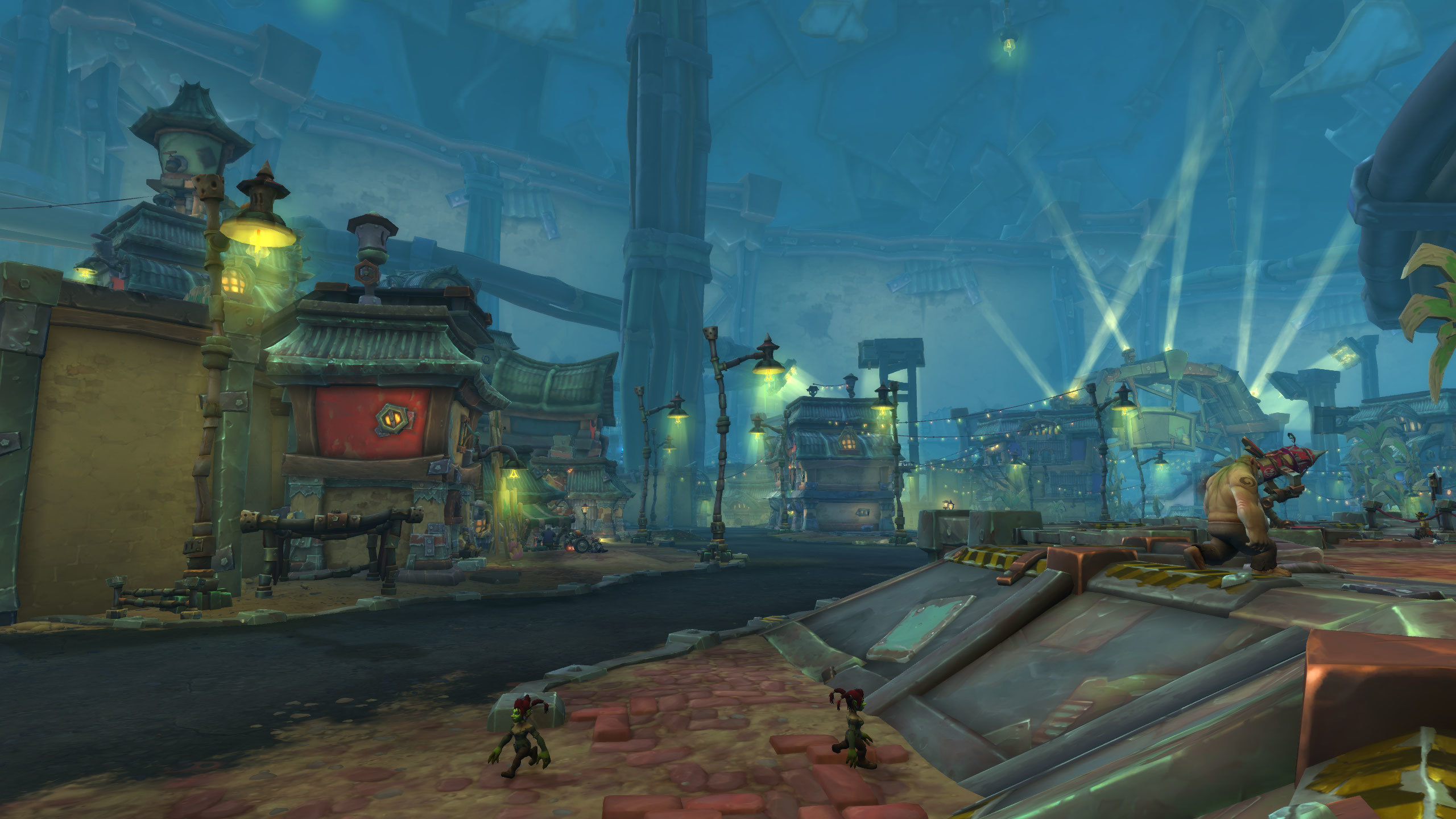
Modern World of Warcraft is a High-Velocity Visual Experience that can often be exclusionary to players with varying physical or cognitive needs. However, the game’s “Accessibility” menu is not just for those with specific disabilities; it is a Performance Customization Suite for everyone. “The Accessibility Guide” is the discipline of Environmental Personalization. By adjusting color cues, font sizes, and input methods, you reduce Cognitive Friction and Physical Strain, making the game more comfortable and your performance more consistent.
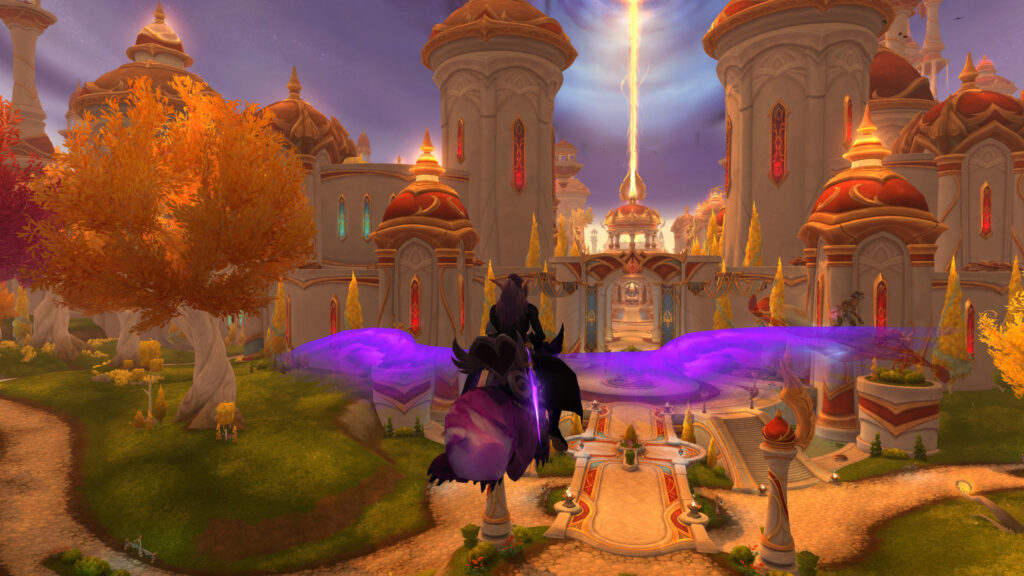
The “Visual Clarity” Overhaul
Many players struggle with Chromatic Ambiguity, where mechanics blend into the floor (especially in “Red-on-Brown” or “Green-on-Green” zones). This results in Avoidable Deaths. A master of settings utilizes Colorblind Mode and Contrast Enhancements. Even if you aren’t colorblind, enabling “Deuteranopia” or “Protanopia” filters can make “Lethal Swirlies” pop with Unnatural Clarity, giving you a competitive edge in Threat Detection.
The Pillars of Comfort (The Personalization Rules)
- 1. “Press and Hold” Casting:
- What: A setting that allows you to continuously cast a spell by holding the key, rather than mashing it.
- Why it matters: This is Repetitive Strain Prevention. For classes with high APM (Actions Per Minute), this reduces Hand Fatigue significantly, allowing you to maintain peak performance during long raid nights without physical pain.
- 2. Text-to-Speech and Font Scaling:
- What: Increasing the size of chat bubbles and quest text, or having them read aloud.
- Why it matters: This is Information Absorption Optimization. If you are struggling to read “Whispers” during a chaotic fight, increasing the font size or using a High-Contrast Background ensures you don’t miss Critical Social or Tactical Cues.
- 3. “Action Highlight” and Target Outlines:
- What: Thickening the “Glow” around your current target or interactable objects.
- Why it matters: Prevents Targeting Drift. In a cluster of 30 enemies, it is easy to “lose” your target. A high-contrast Selection Outline ensures your eyes always know exactly where your Offensive Focus is directed.
- 4. Camera Shake and Motion Sickness Toggles:
- What: Disabling the “Dynamic Camera” shakes during boss transitions or heavy hits.
- Why it matters: This is Visual Stability. Camera shakes are “Immersive” but Tactically Disruptive. Disabling them ensures your mouse-precision remains 100% stable during the most intense parts of a fight.
Conclusion: The Empowered Hero
Accessibility is about removing the barriers between your mind and the game. By adopting the Environmental Personalization mindset, you transform from a “Struggling Participant” into an Empowered Hero. You realize that the “Default” settings are just a suggestion. Customize your colors, protect your hands, and stabilize your vision. You will find that the game becomes not just more “playable,” but more Enjoyable and Sustainable for your entire career in Azeroth.